“Innovating With Generative AI: A Hands-On ComfyUI Workshop” by Gold and Chang
Conference:
Type(s):
Title:
- Innovating With Generative AI: A Hands-On ComfyUI Workshop
Organizer(s):
Presenter(s)/Author(s):
Interest Area:
- New Technologies
Abstract:
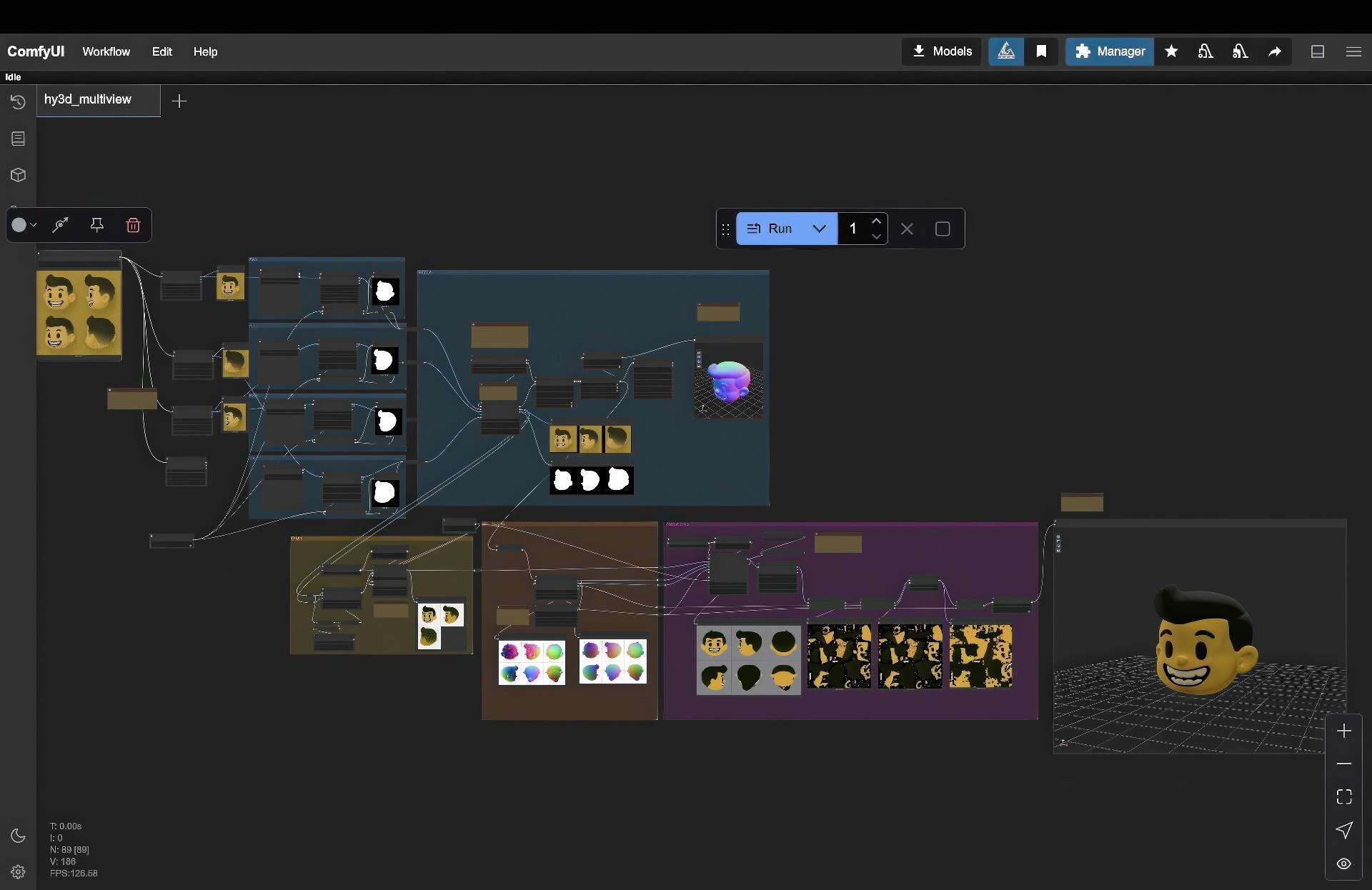
Generative AI continues to unlock powerful new possibilities for visual creation, ranging from still images to fully animated 3D content. In this hands-on workshop, participants will explore ComfyUI, a node-based interface for Stable Diffusion and related generative models. The session begins with setup: attendees will install a simple zip file of ComfyUI on their laptops (Mac or Windows). We will then step through essential workflows, including text-to-image, inpainting, outpainting, IP Adapter usage, and ControlNet modules for canny, depth, and pose. As we progress, we will dive into advanced pipelines, showing how to transform images into 3D objects through Trellis, and how to produce short AI-driven videos with Hunyuan. By following pre-made ComfyUI workflows, participants gain a deeper understanding of generative pipelines without the need for extensive coding. Along the way, they will learn tips and tricks for effective prompting, controlling style and composition, and integrating AI outputs into downstream software (e.g., Blender or Unreal). This workshop is suitable for educators, artists, and technologists at various levels, though some familiarity with basic image-editing and 3D concepts is beneficial. By the end of the three-hour session, participants will have produced original AI-generated images, 3D assets, and short video clips, as well as gained a solid foundation to adapt and build upon these workflows in their own classrooms or studios. Sample results and inspiration will be drawn from student projects at the School of Visual Arts, demonstrating the creative range and collaborative potential of these AI workflows. Come learn how to harness the power of generative AI and bring new dimensions of possibility to your creative practice or curriculum.
Additional Information:
- Introduction (0:00 – 0:15)
- Overview of generative AI and the ComfyUI interface Installing ComfyUI from a zip file (Mac/Windows) Core Workflows (0:15 – 1:15)
- Text-to-Image basics with ComfyUI Image-to-Image, Inpainting, Outpainting workflows IP Adapter and ControlNet (depth, canny, pose) demos
- Advanced Techniques (1:15 – 2:15)
- Converting images to 3D objects with Trellis Generating short video via Hunyuan (image-to-video) Discussion of 2D to 3D pipelines Hands-On Practice (2:15 – 2:45)
- Participant-led experimentation with pre-built node workflows Troubleshooting and Q&A Showcase & Conclusion (2:45 – 3:00)
- Examples of standout student projects
- Next steps for more complex node graph building
- Closing remarks, resources, and future directions
Beginner
Prerequisite: Basic familiarity with image-editing software (e.g., Photoshop) Optional: General understanding of AI text-to-image tools
Topics: AI Workflow, Generative AI, Tools, UI/UX
List of topics and approximate times:
Additional Info: This three-hour, hands-on workshop introduces artists, designers, and educators to ComfyUI, a powerful node-based interface for generative AI. Participants will install ComfyUI, then learn workflows for inpainting, outpainting, IP Adapters, ControlNet variants (depth, canny, pose), image-to-3D, and image-to-video, gaining practical skills and creative inspiration with open source models and tools.